
 Svenska
 English
Renta Easy
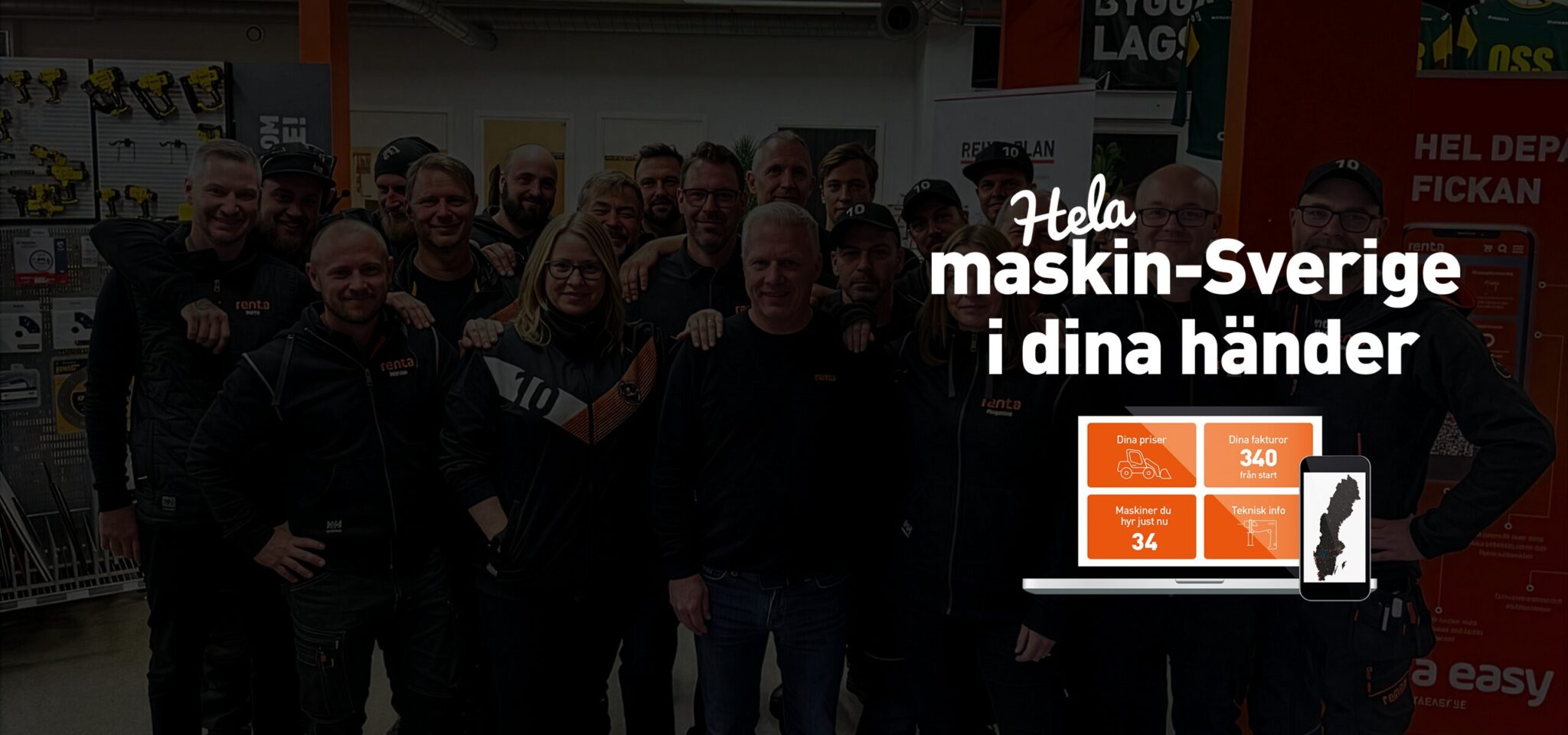
A digital tool for efficiently managing all of a construction site’s machinery and equipment needs. The tool can be used on your smartphone or in your web browser – rentaeasy.se
What is Renta Easy?
A digital tool for efficiently managing all of a construction site’s machinery and equipment needs. The tool can be used on your smartphone or in your web browser – rentaeasy.se
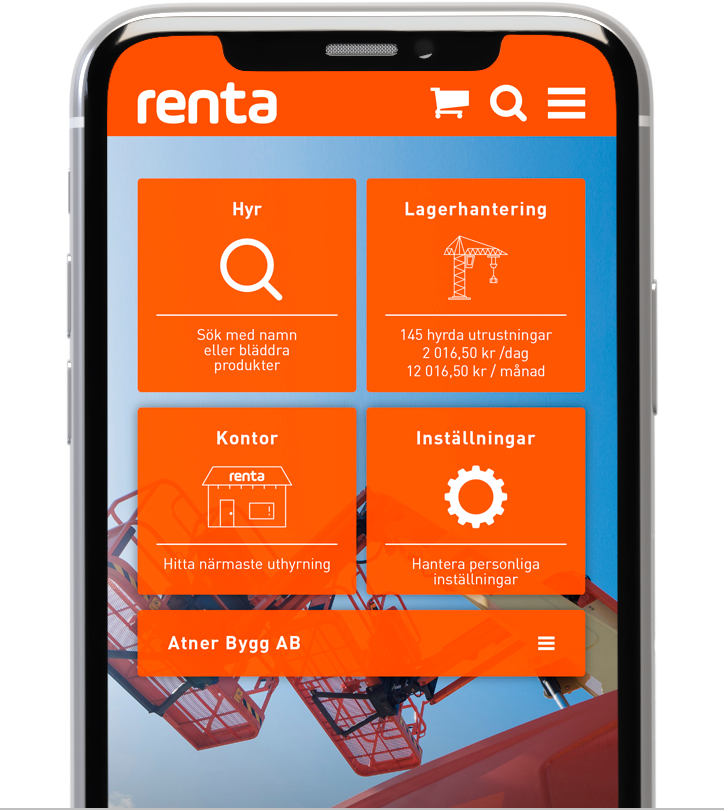
- An overview of all your machinery needs with us
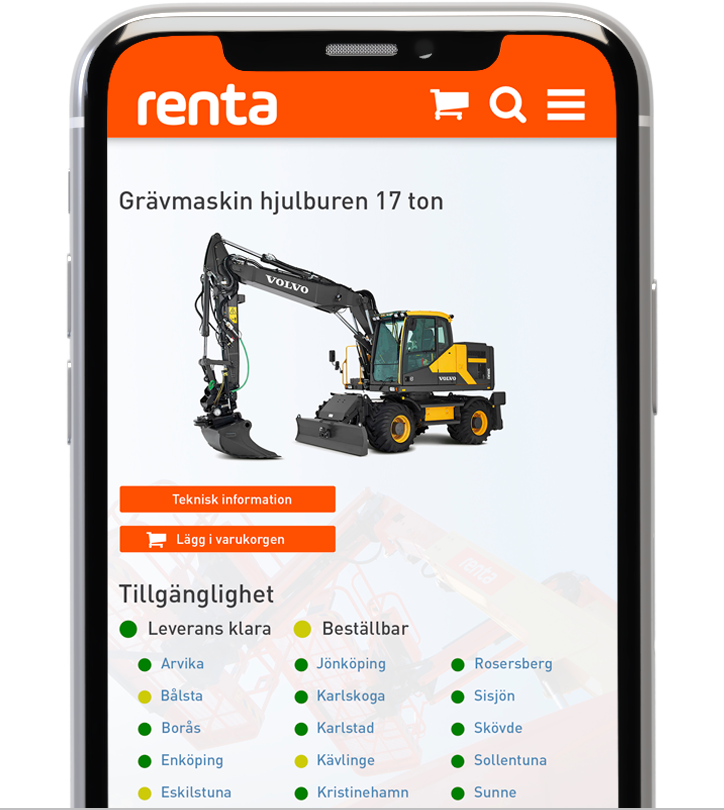
- Availability of the machine lineup
- Order and Return Machines
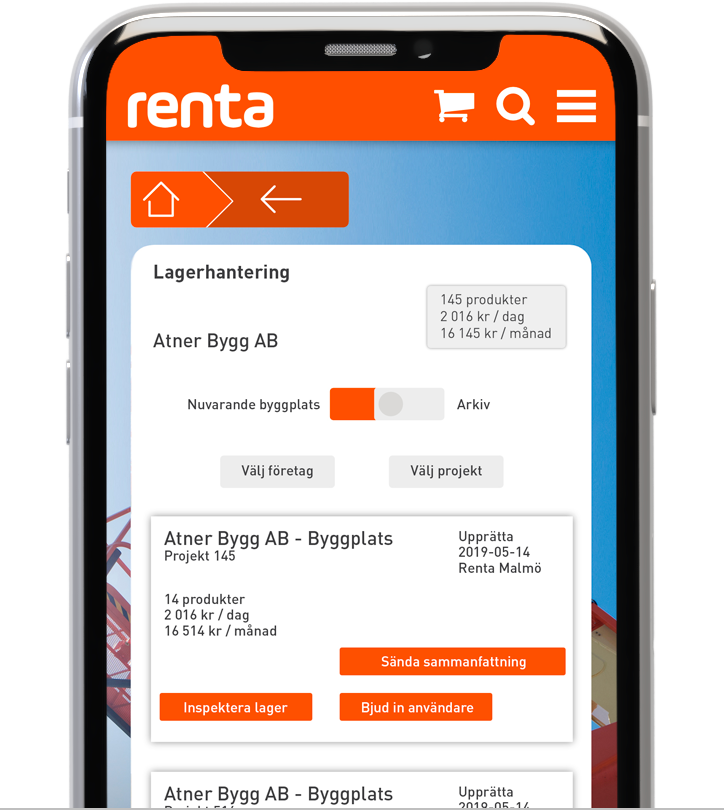
- Track your equipment costs at your worksites
- View your prices as specified in the agreement.
Why Renta Easy?
– Always open – no lines
– Easily check which machines you have at your worksite
– Effortless returns processing
– Access to machine documentation and safety instructions
– Log in to UE to view available equipment at your worksite
– Don’t forget your order—order as soon as the need arises
– View the estimated cost of your upcoming invoice early
– Create your own quote using the online price list.
Really smart features
With Renta Easy, we want to continue making our customers’ workdays easier and more efficient. After many years in the industry, we understand the importance of logistics, planning, and maintaining an overview—and that’s exactly why we created these smart features.
Using your phone or computer, you can quickly see which machines you have at your workplace. This way, you’ll know what’s missing while also preventing machines from sitting idle and unused. On each product page, the machine’s technical specifications, along with manuals and instructions, are easily accessible so you don’t have to waste time searching for them. You can also see if the machine is available at the depot closest to you, so you can plan your workday. You can also manage deliveries and returns to best fit your schedule.
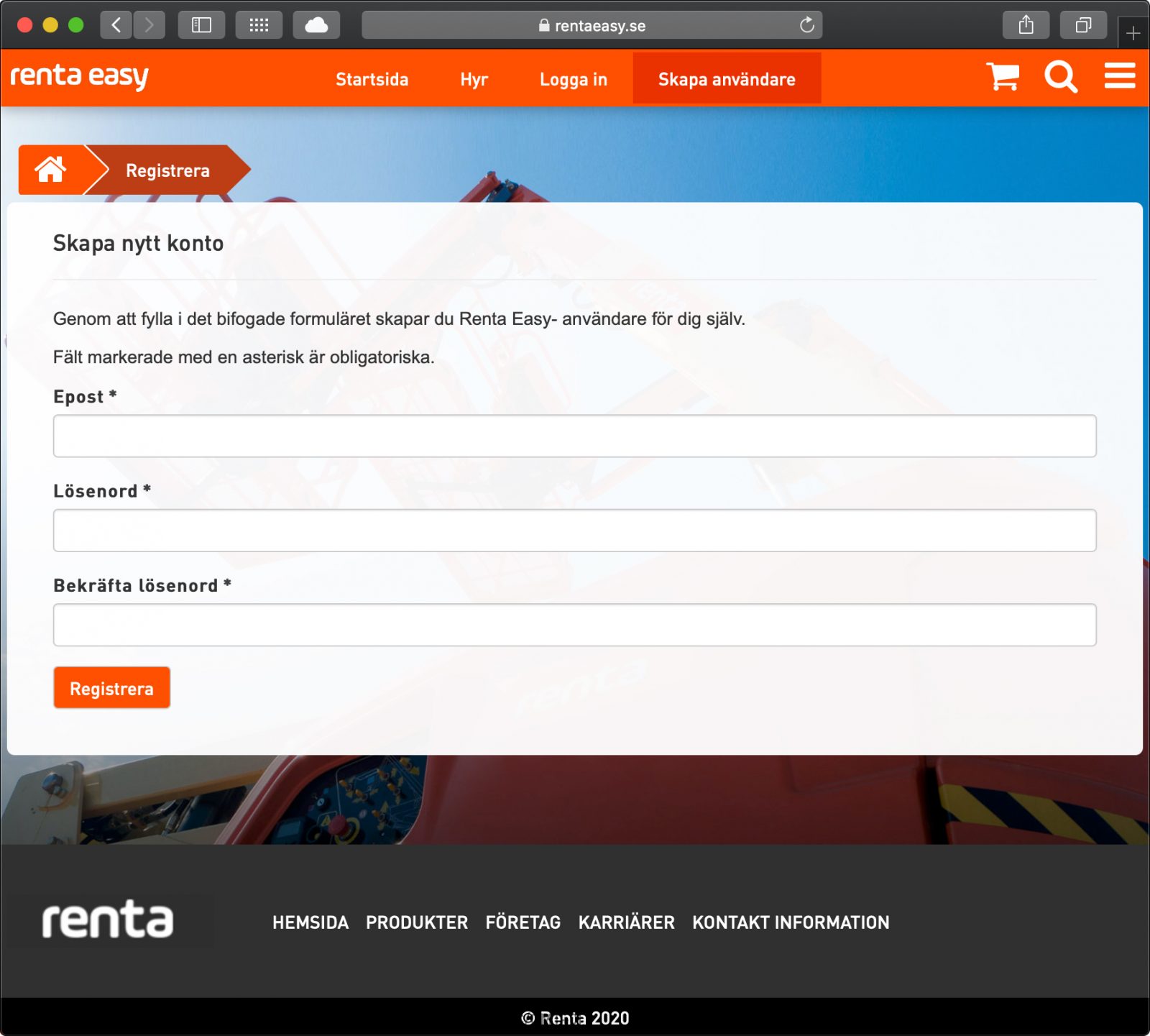
Here's how to sign up
Each user first creates a personal user account with an email address by clicking the “Create Account” button. Once you’ve verified your email address, you can log in. Once logged in, you can then request access to your company’s account. This is granted either by the person in charge at the company or by Renta’s administrator. Information and tips on how to create an account, log in, and request access to a company account can be found in our guides further down the page.
Frequently Asked Questions
I can't log in?
I'm not receiving a password reset link?
I can't see my invoices?
I want to know what kind of machine I should use for task X.
How much does a certain rent cost me?
Guider
Anders explains how our CO2e calculator works.
How to create a user account in Renta Easy
Update the contact information in Renta Easy.
Here’s how to rent a machine in Renta Easy
Connect users to companies in Renta Easy
Add users to your projects in Renta Easy
Add a main user in Renta Easy
Overview of Projects in Renta Easy
Contact us with questions about Renta Easy.
Our depots
-
Dalarna County
-
Gävleborg County
-
Halland County
-
Jämtland County
-
Jönköping County
-
Kalmar County
-
Kronoberg County
-
Norrbotten County
-
Örebro County
-
Östergötland County
-
Östergötlands County
-
Skåne County
-
Södermanland County
-
Stockholm County
-
Uppsala County
-
Värmland County
-
Västerbotten County
-
Västernorrland County
-
Västmanland County
-
Västra Götaland County